
|
|
Gallery - Quadrax Neverending
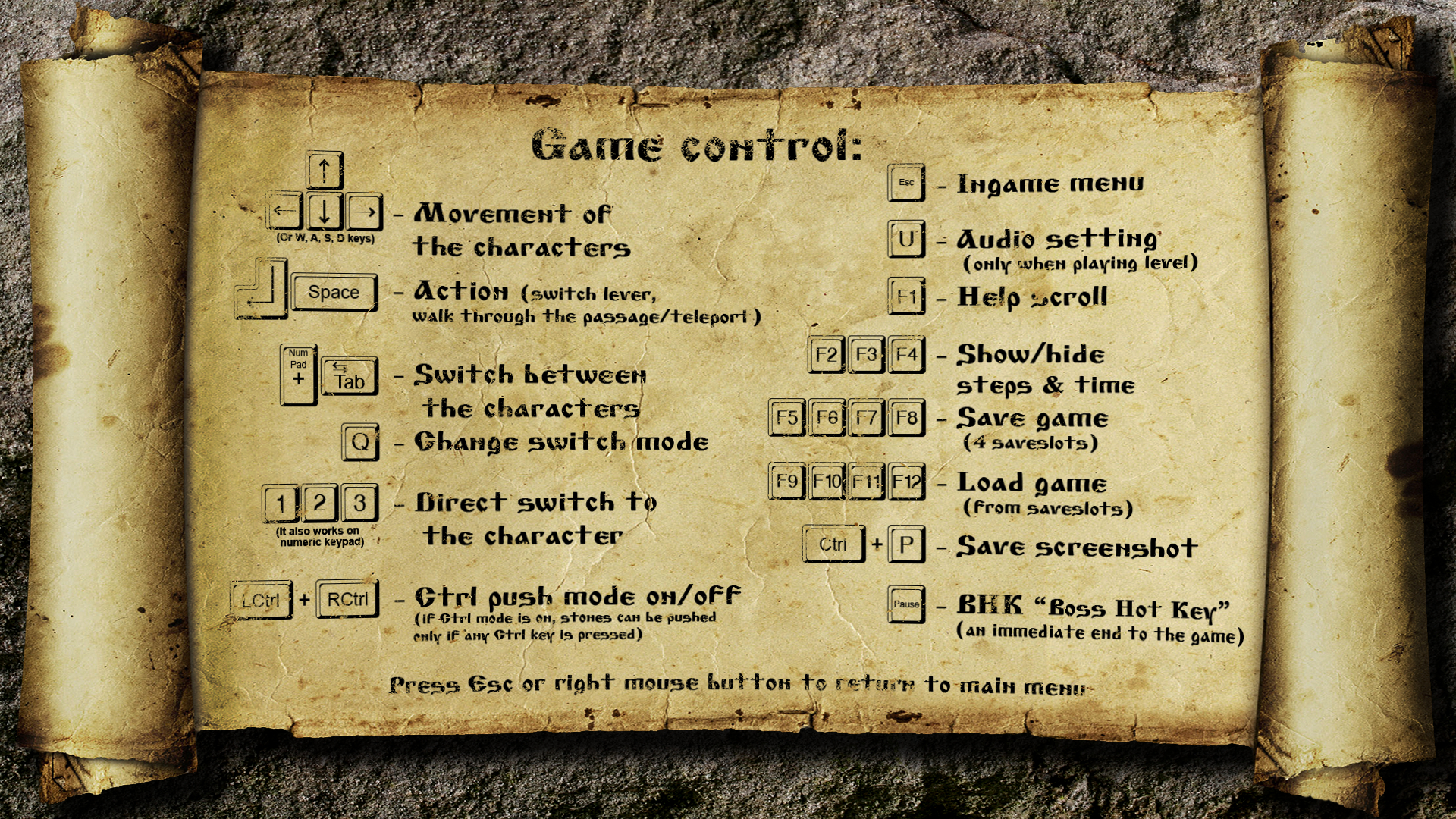
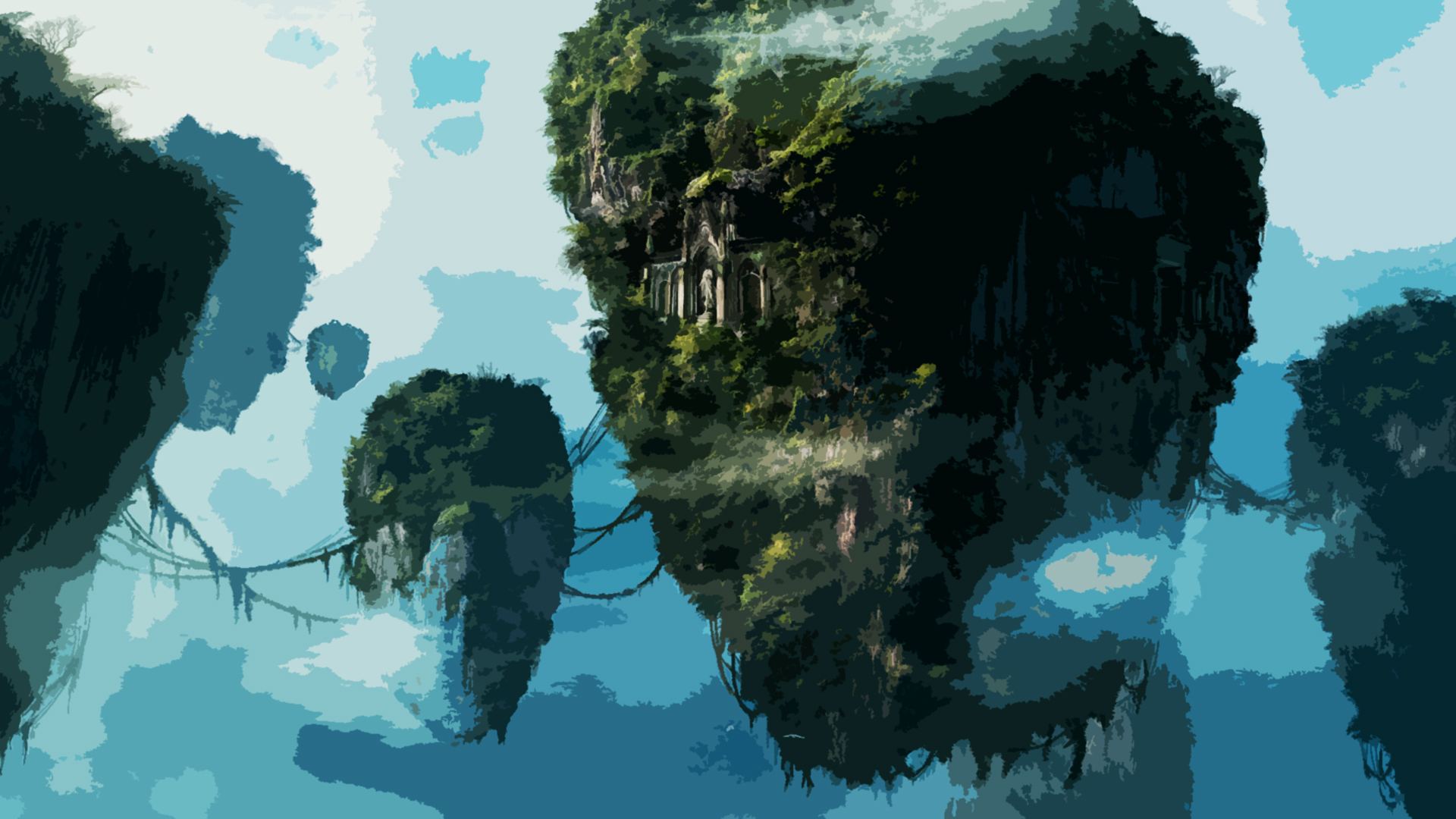
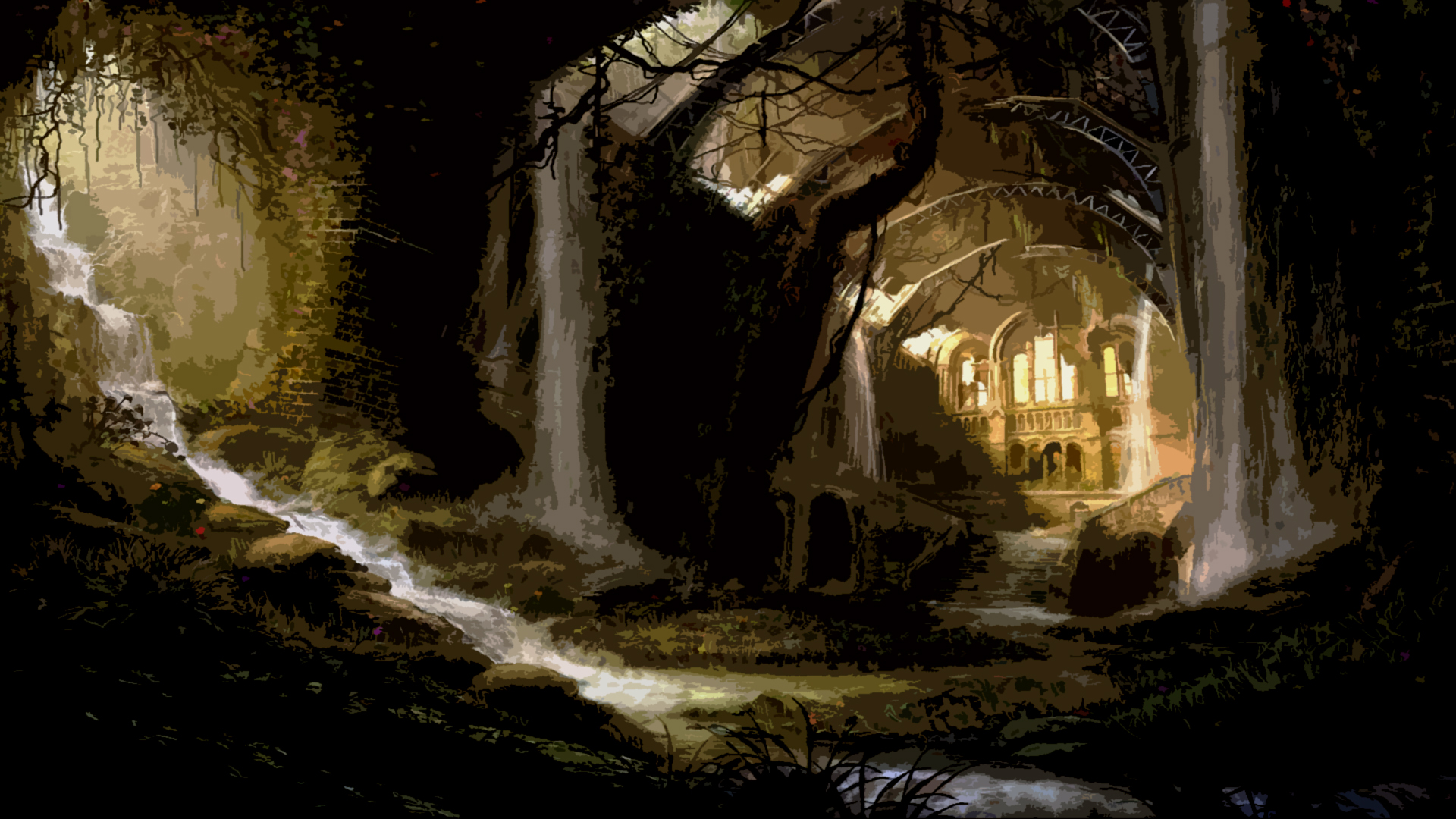
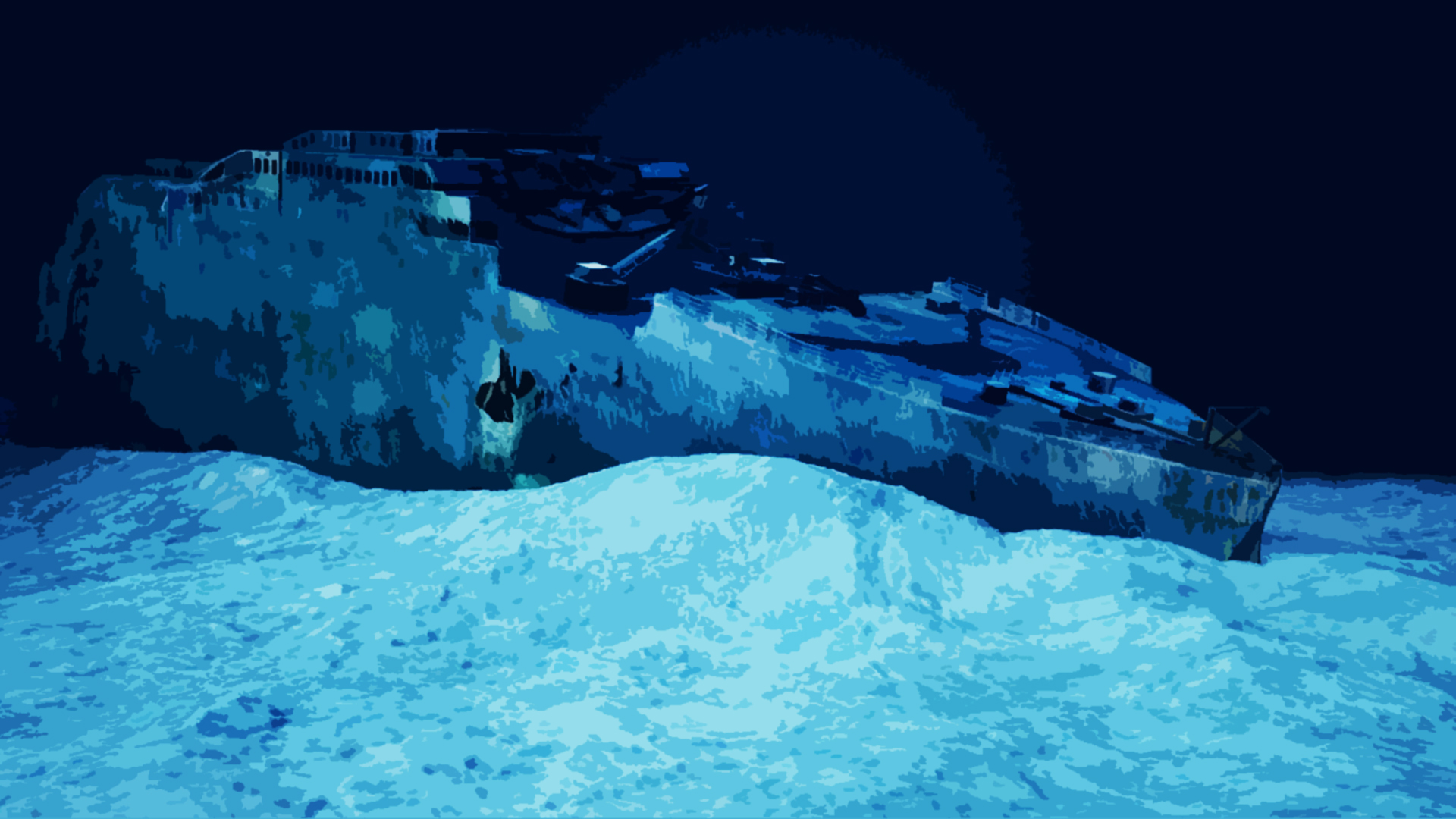
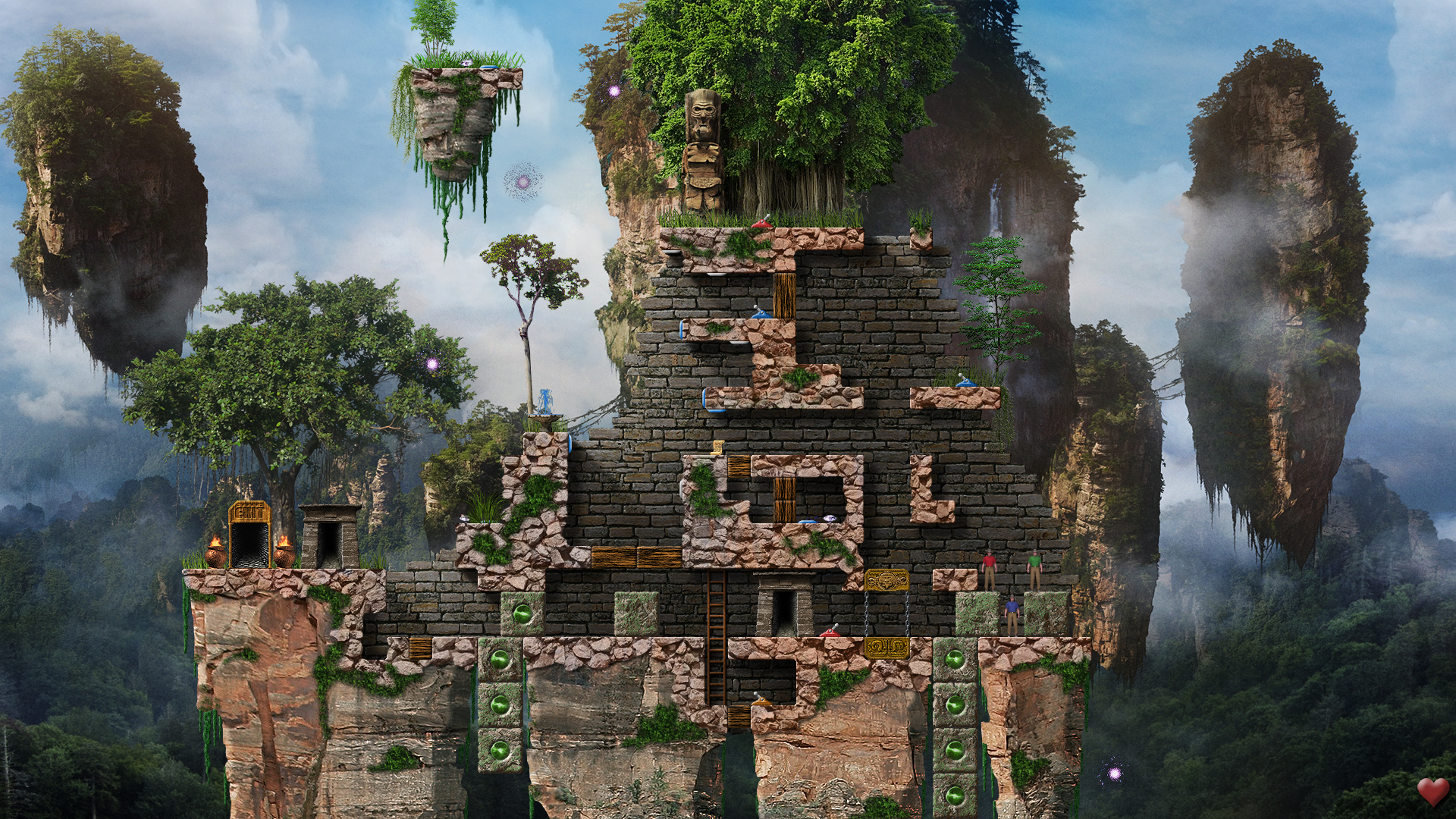
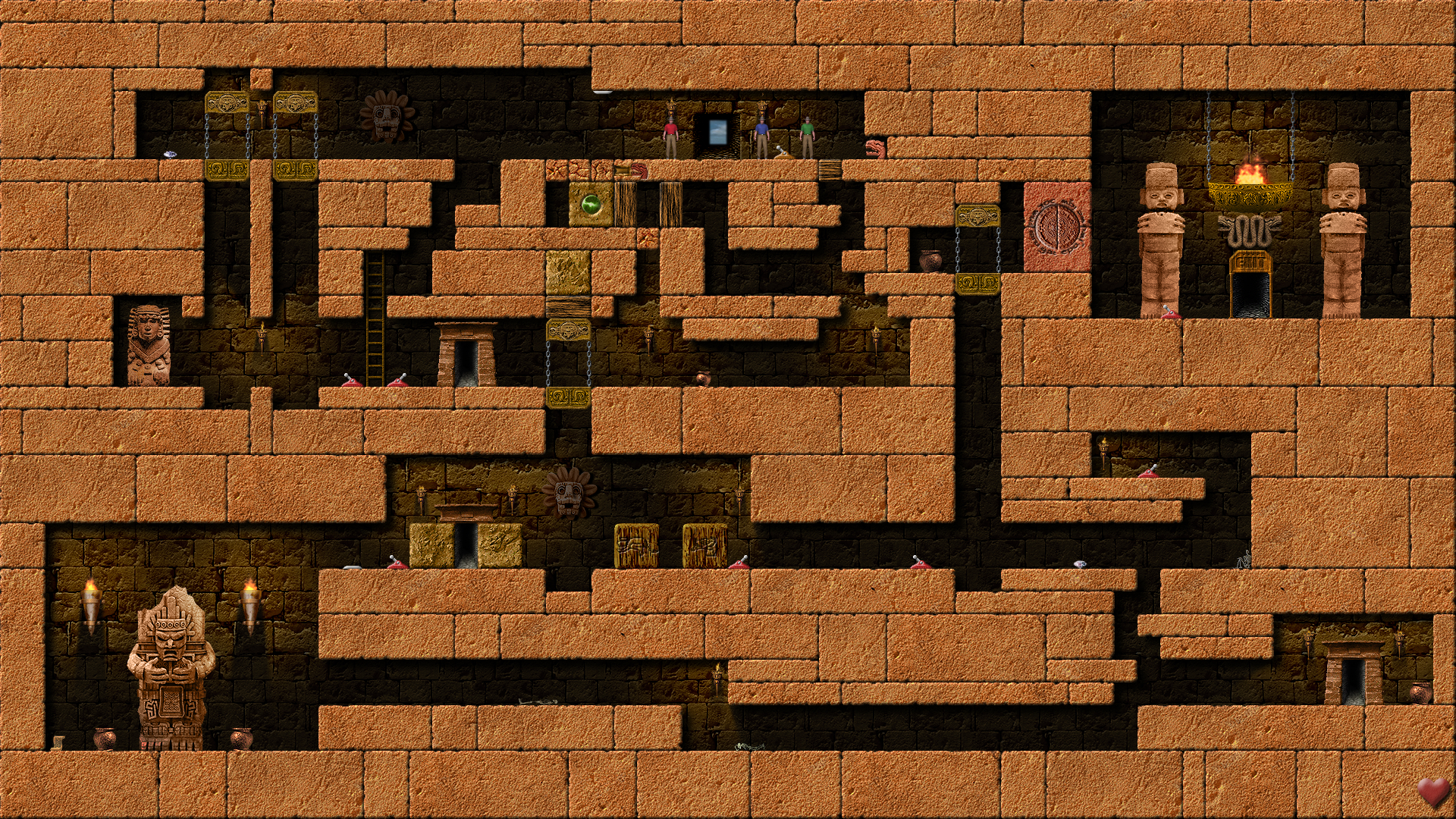
Here you can find the gallery of pictures from the game. After clicking on a thumbnail to see full-size image and using the mouse or left/right cursor keys you can scroll between pictures. You can also use the icons on the top right to toggle between full-screen mode and windowed mode, turn on zoom to real image resolution (up to 1920x1080), and download the full-quality image directly. You can also enable thumbnail display directly when viewing the gallery, using the checkbox below. Artworks: 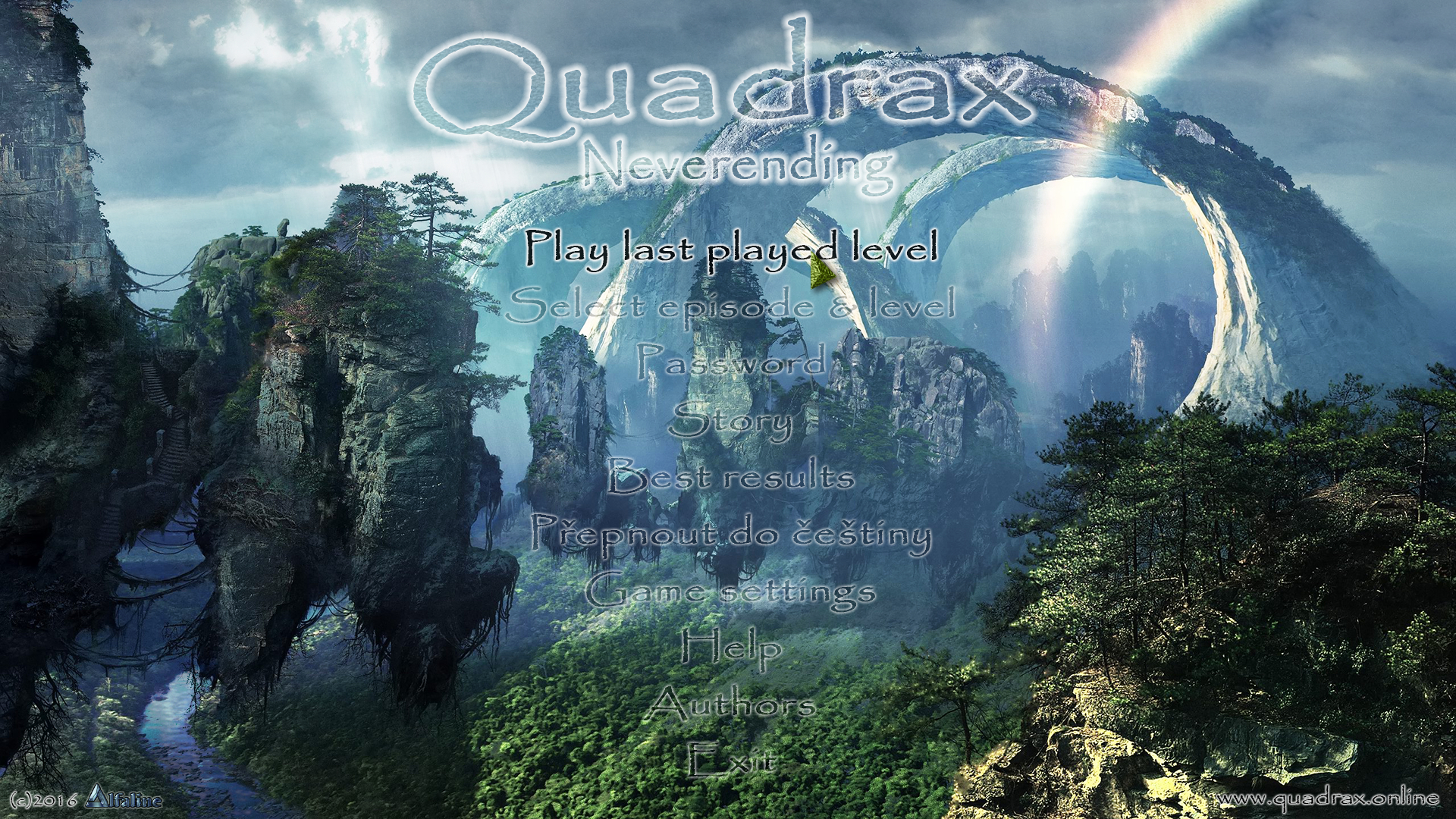
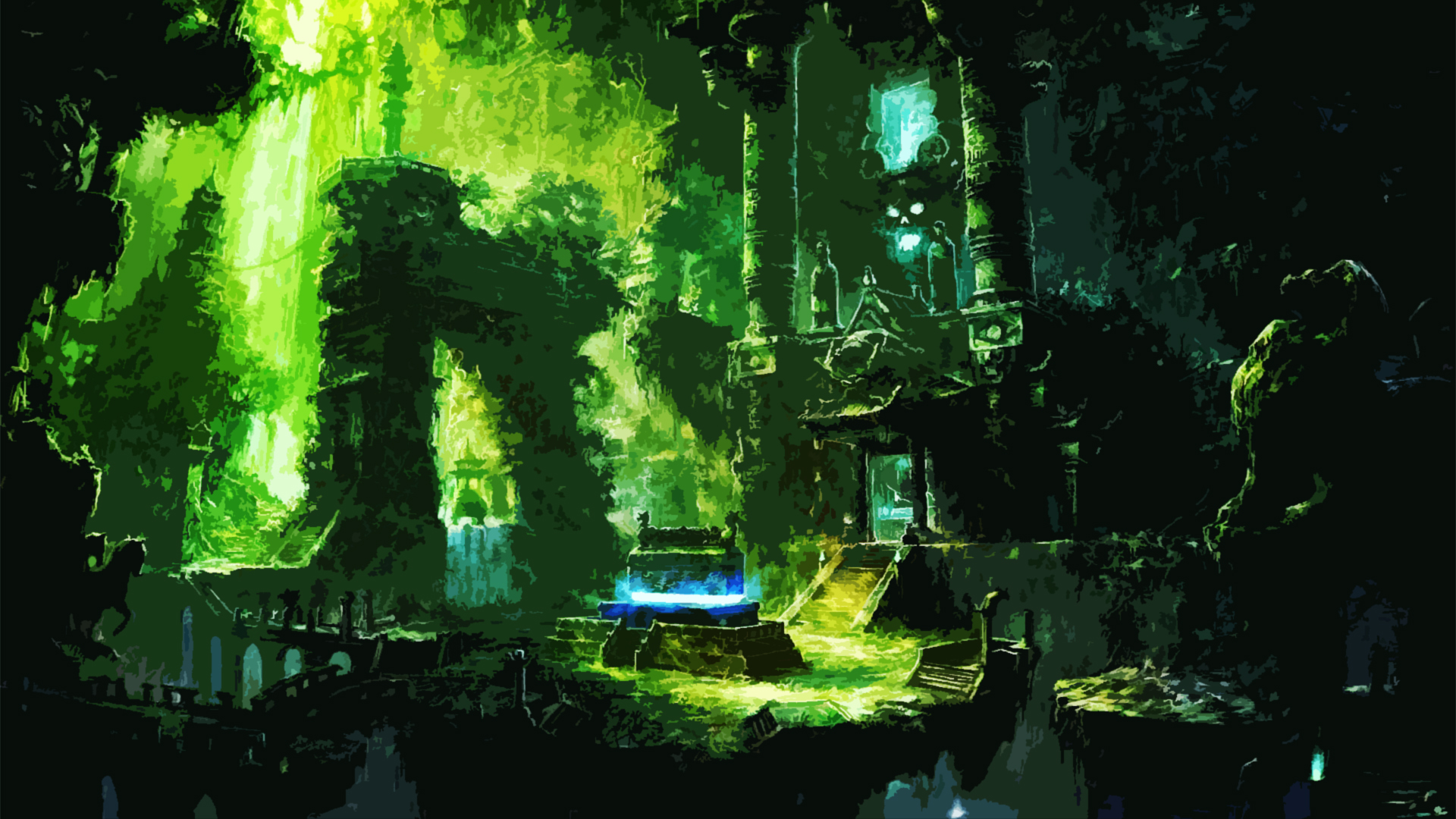
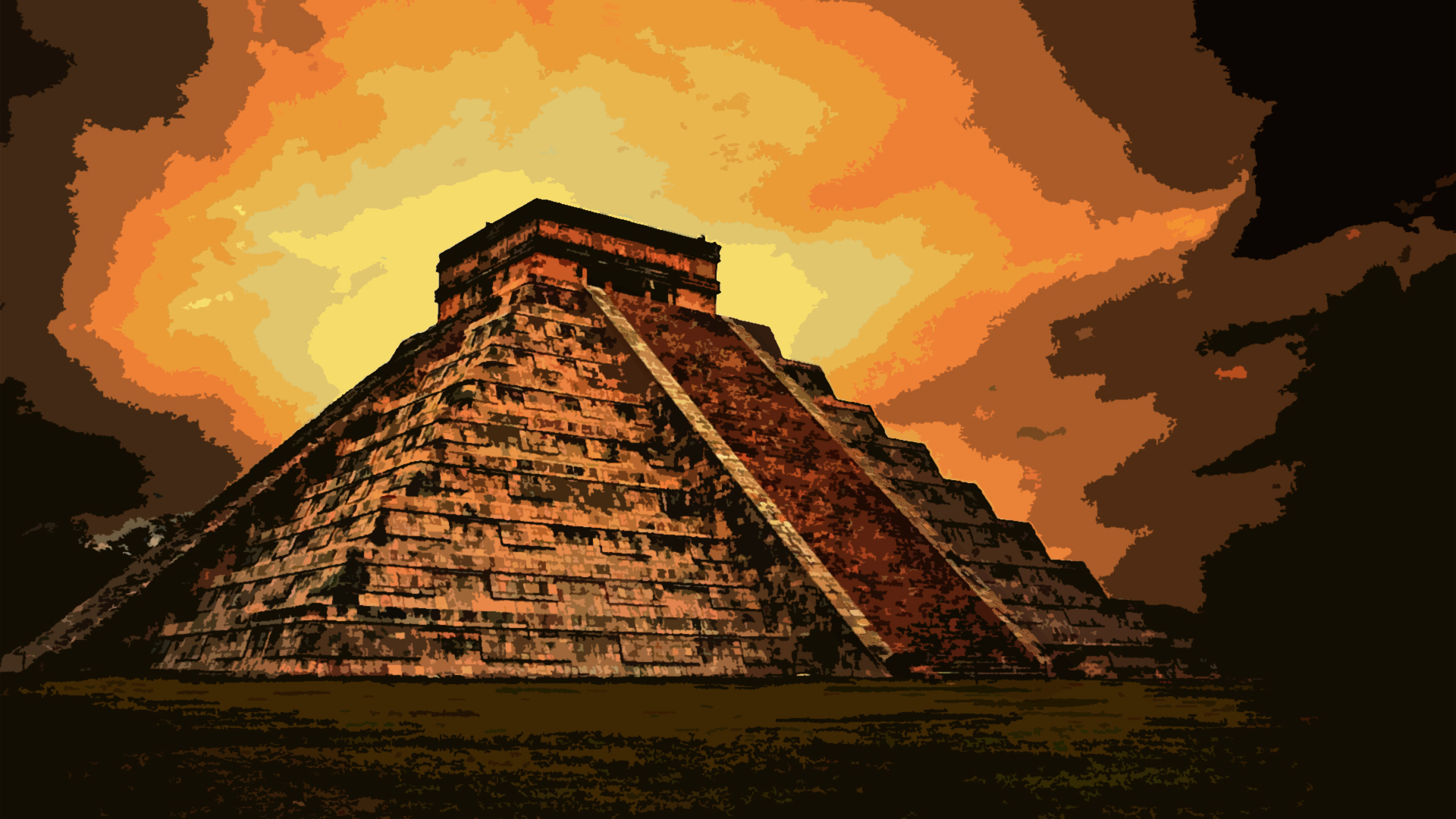
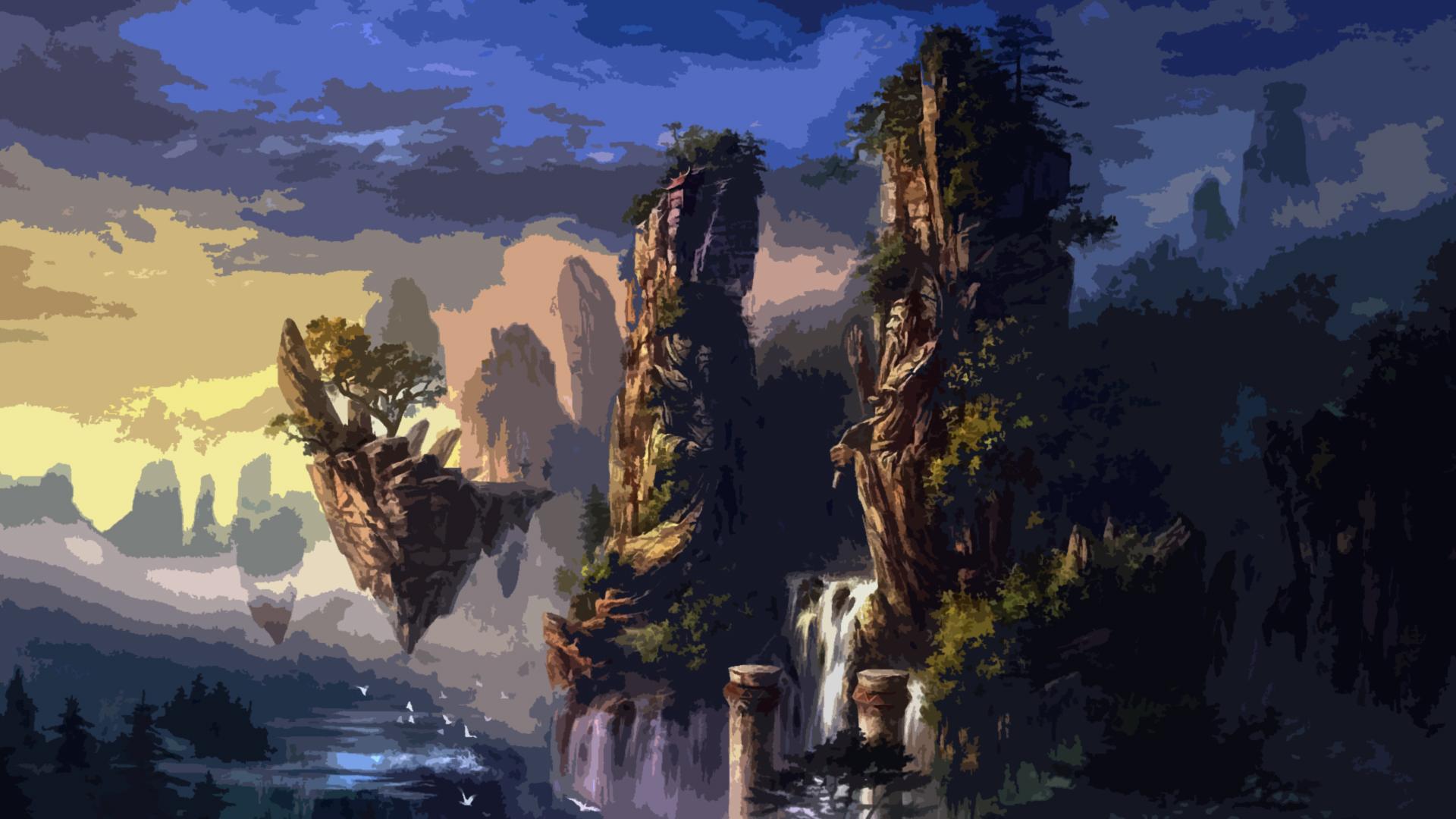
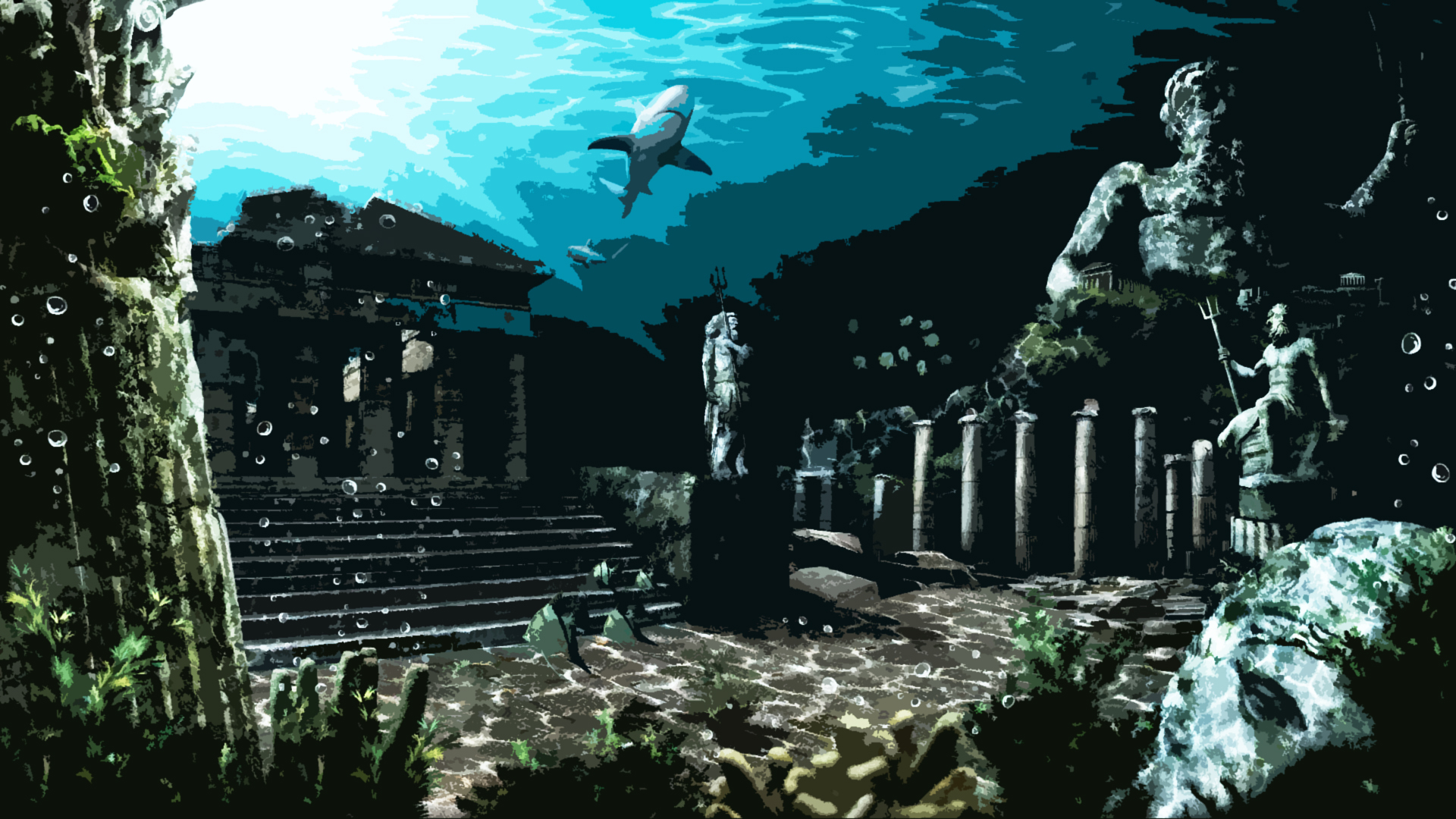
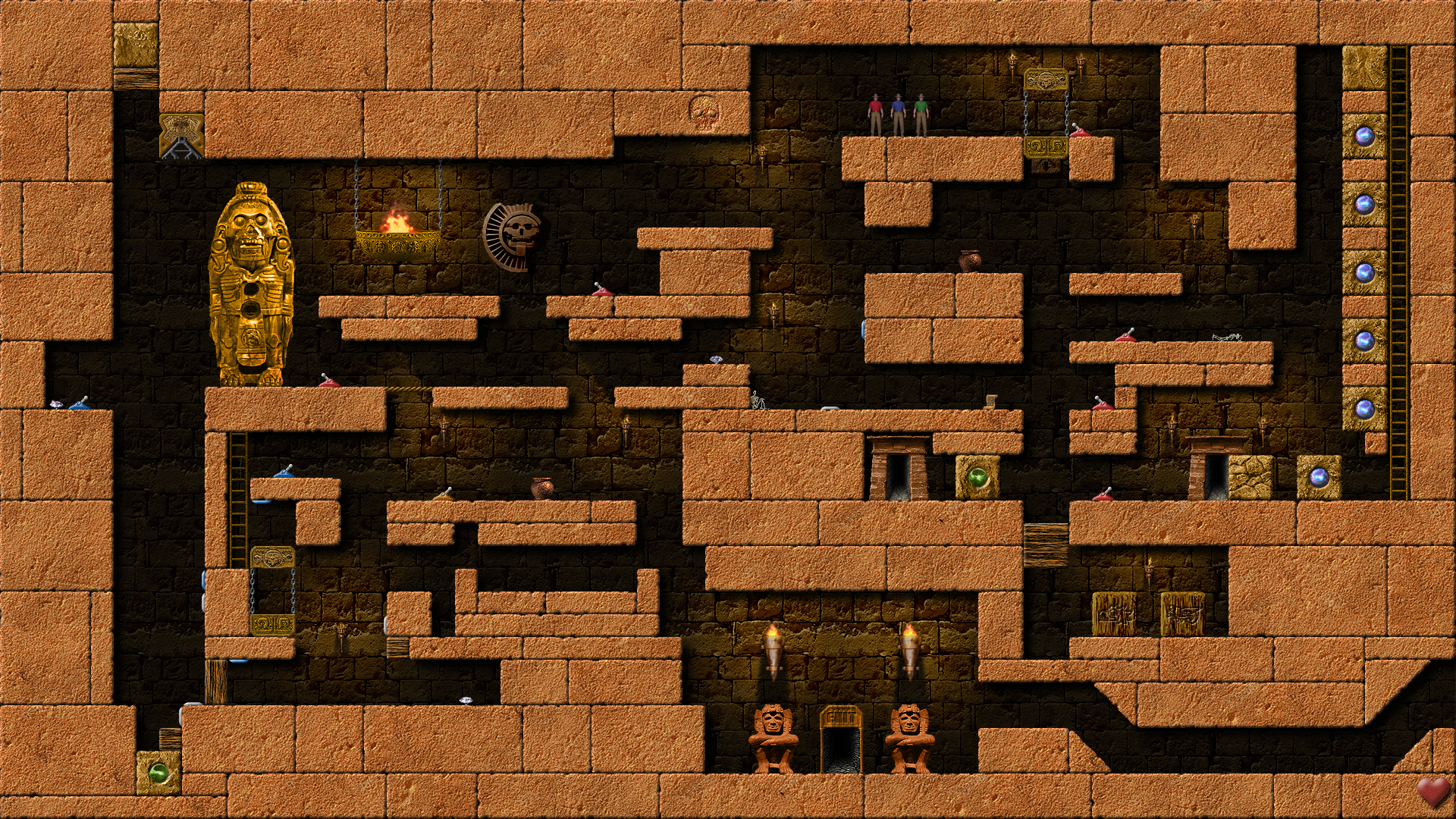
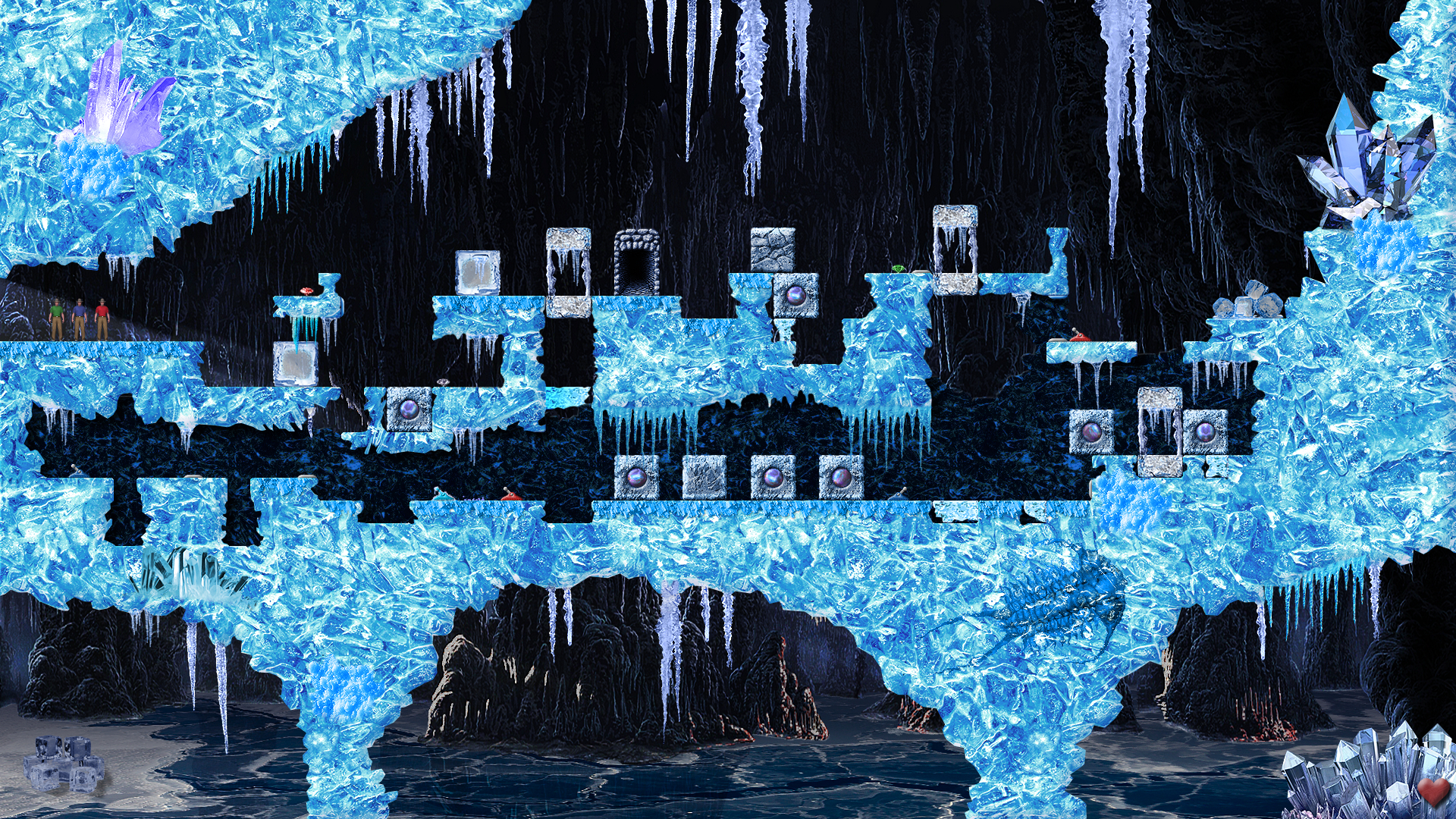
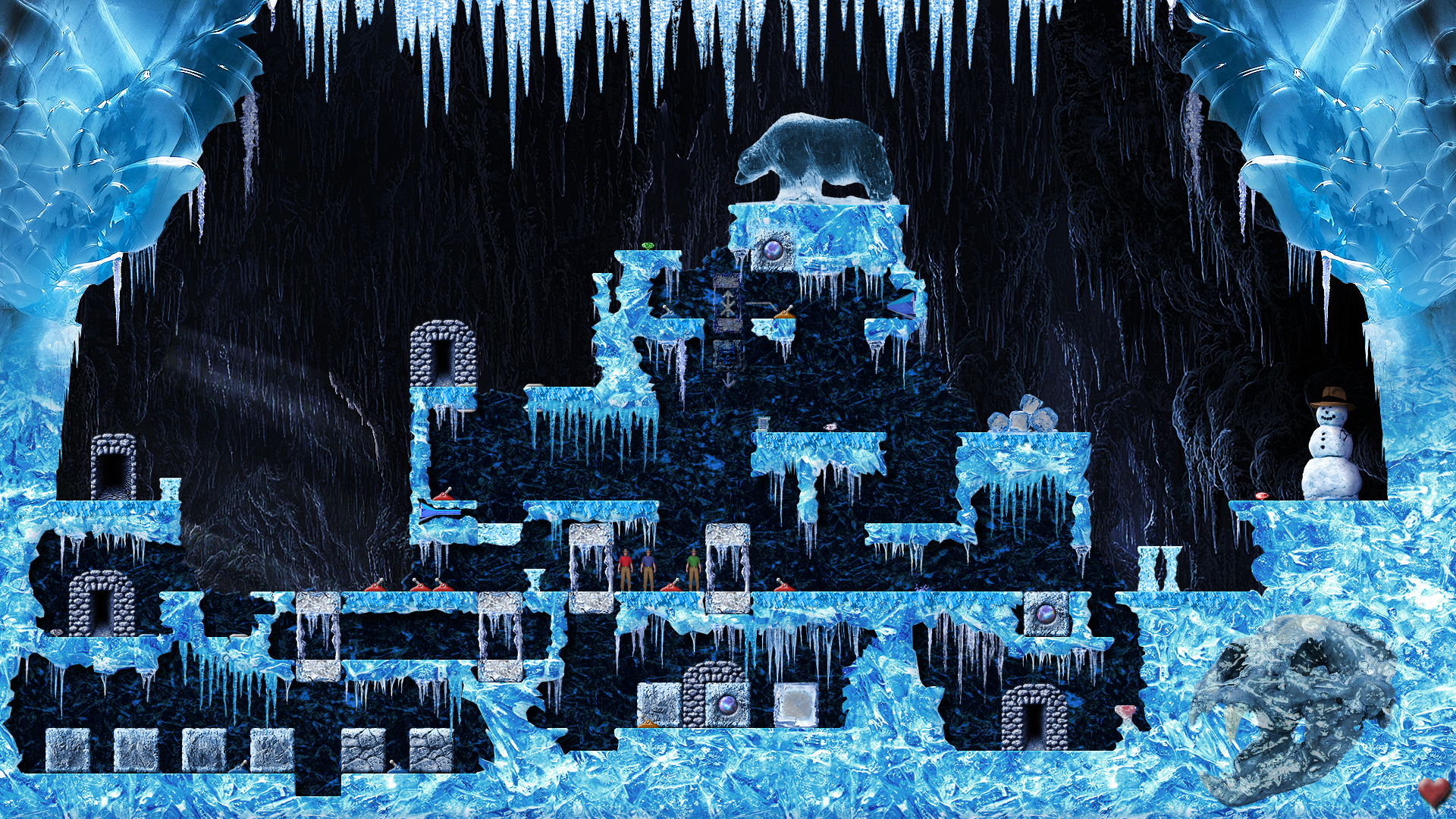
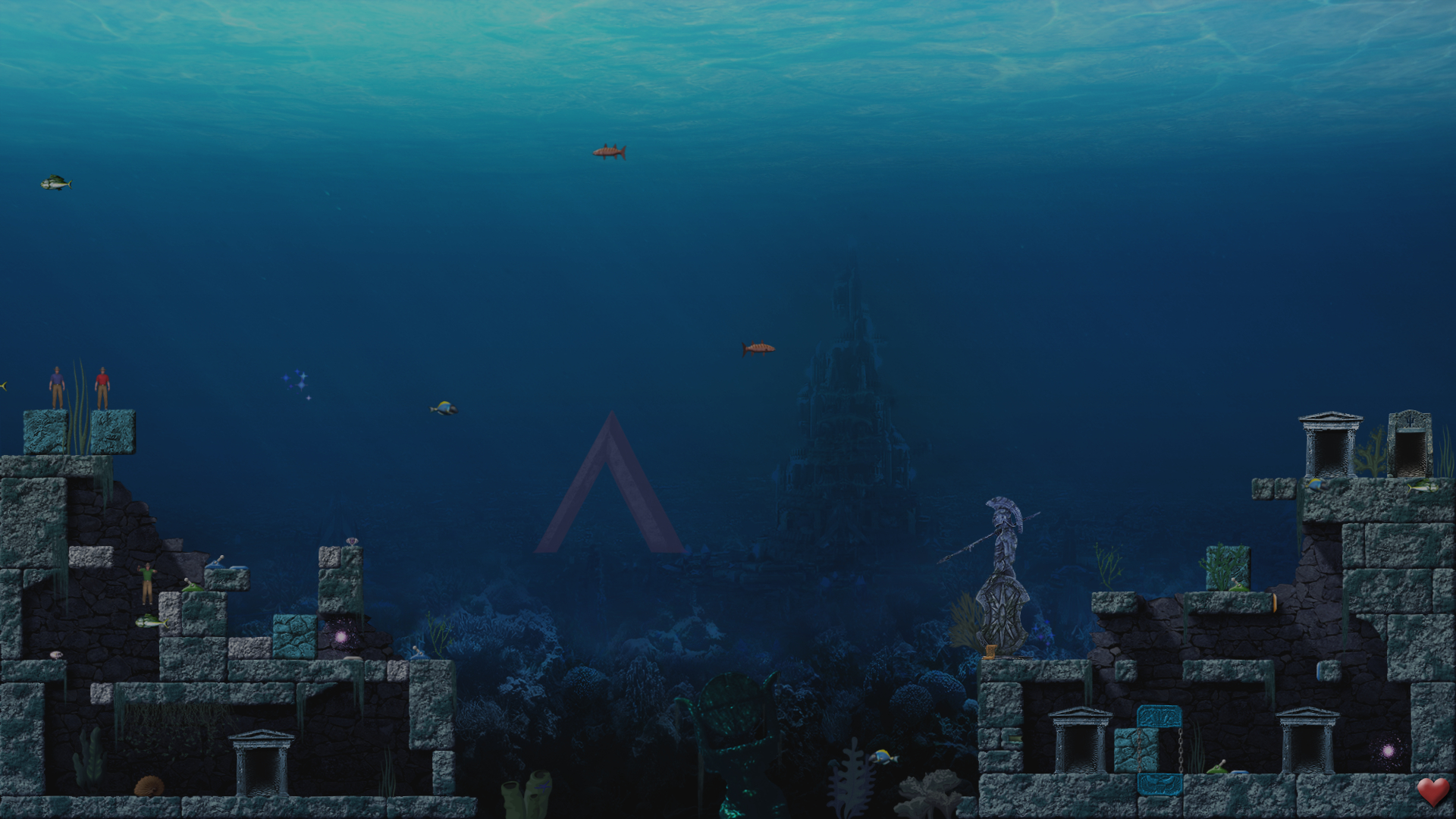
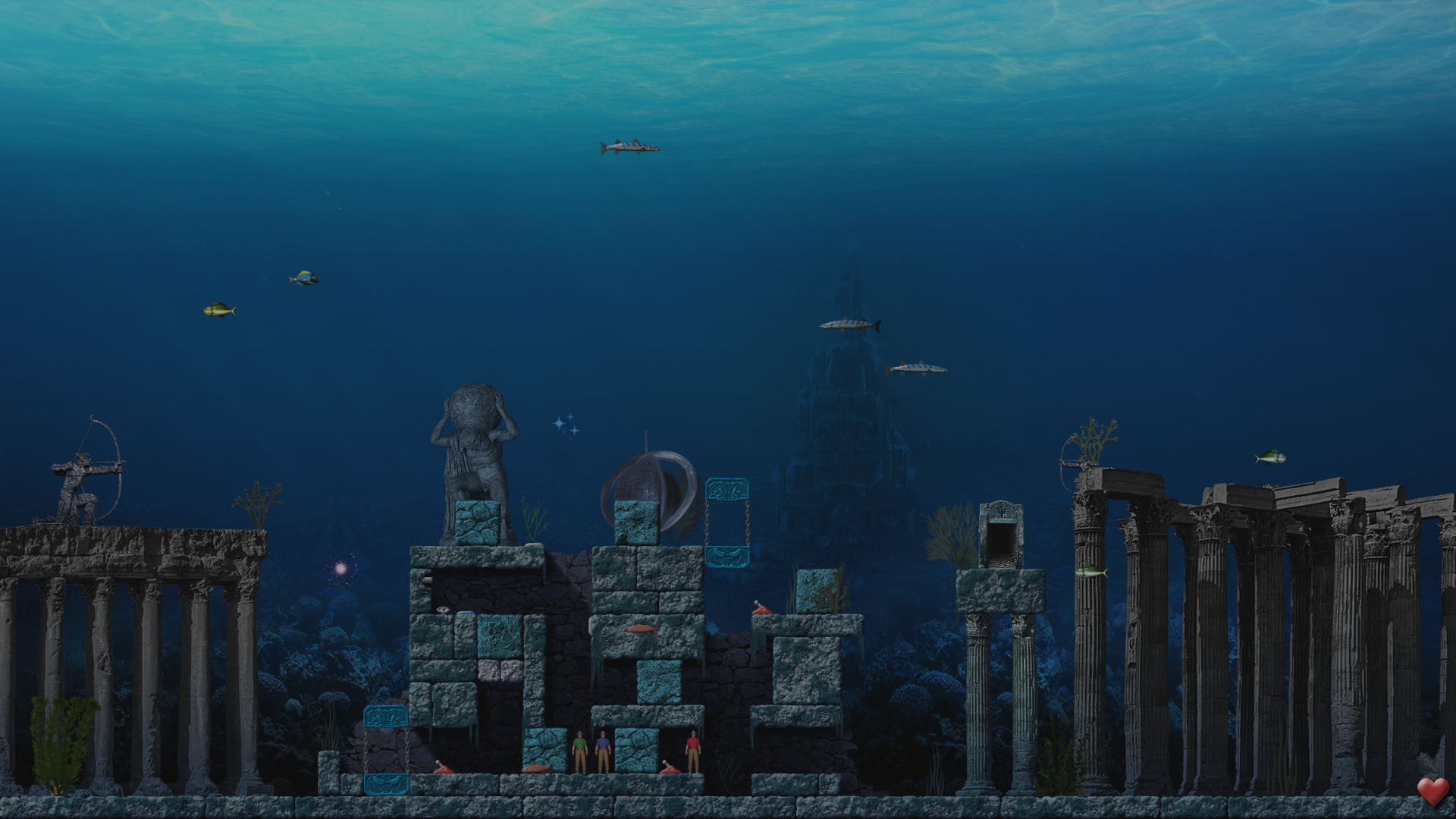
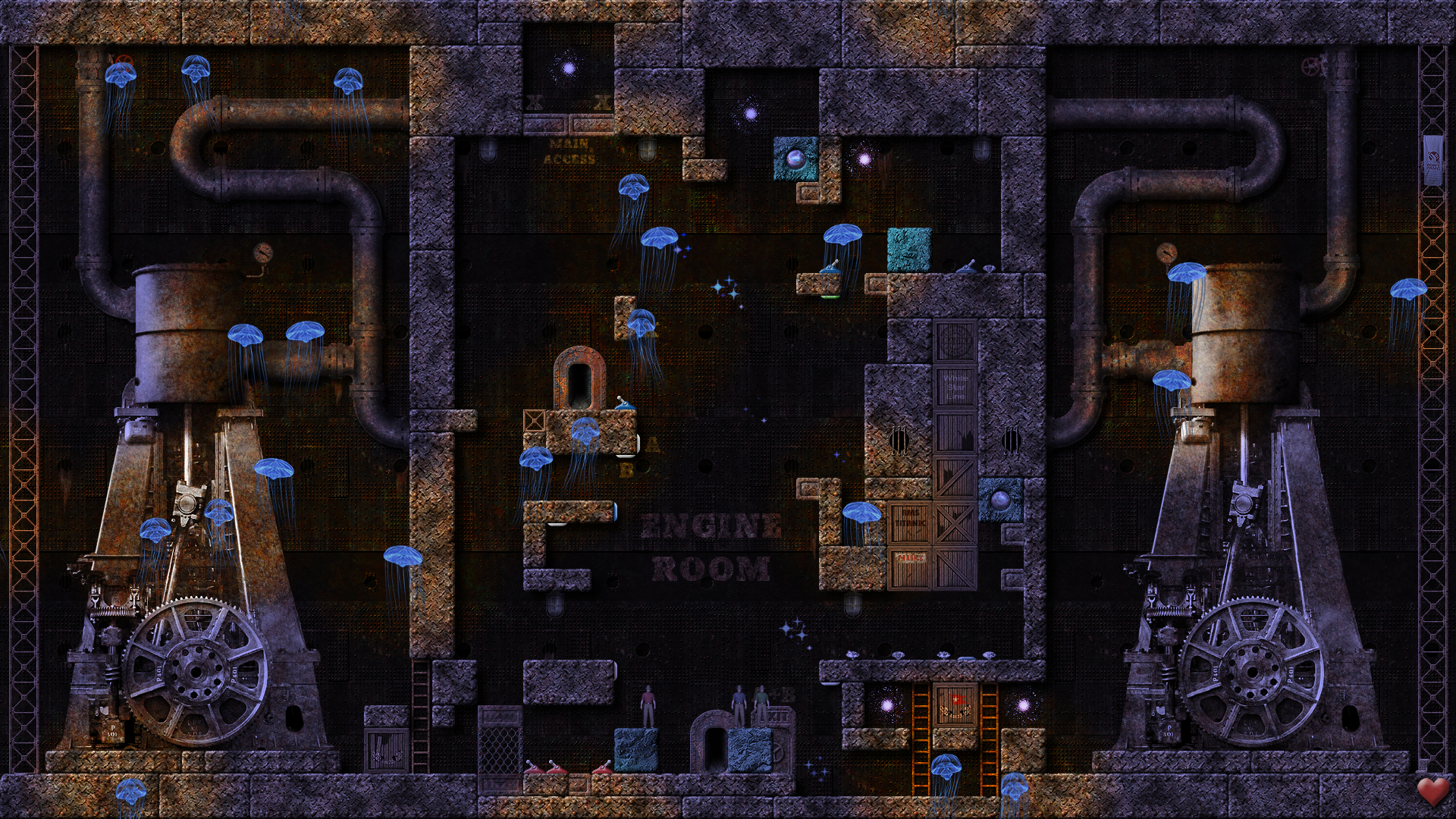
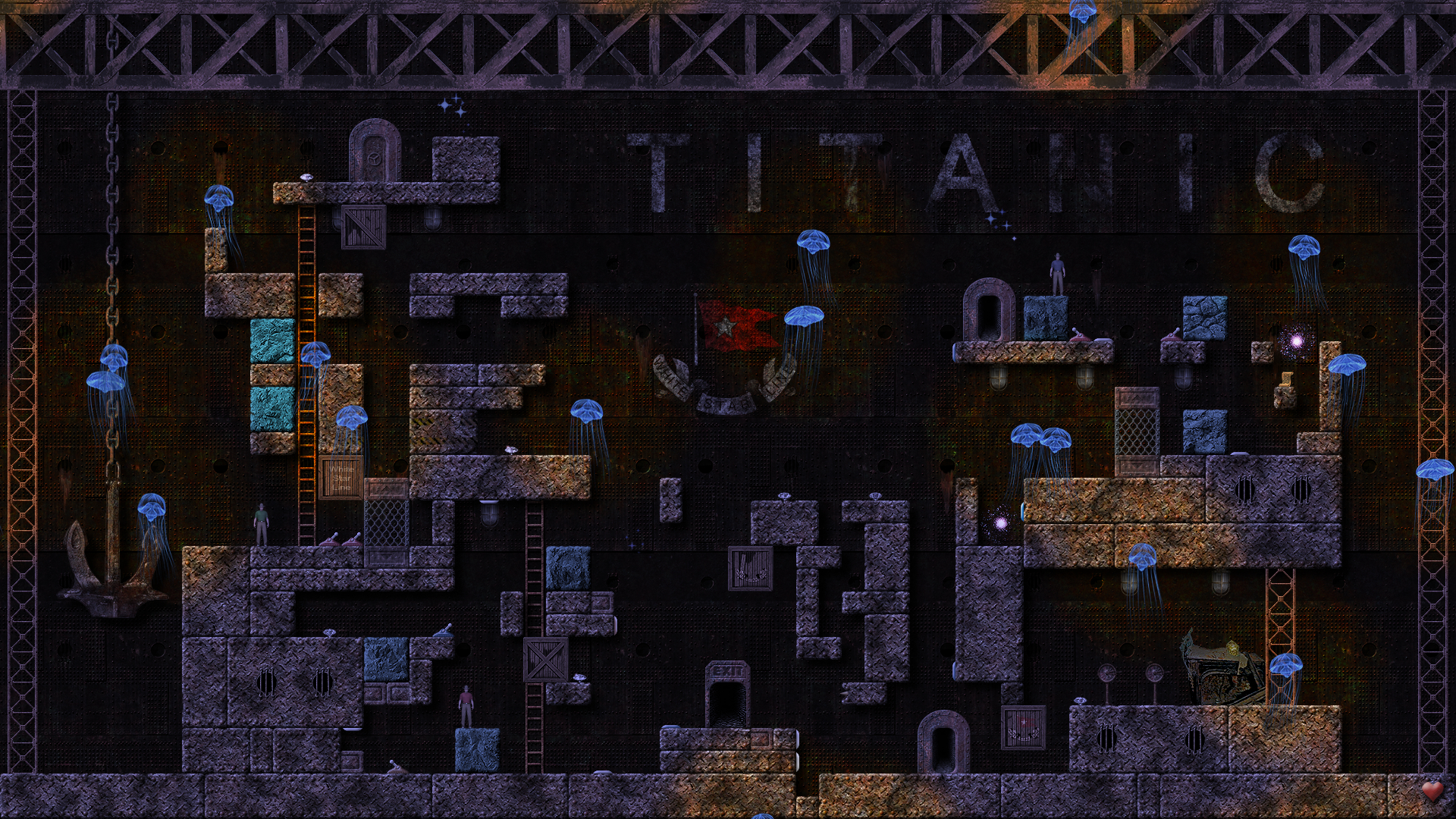
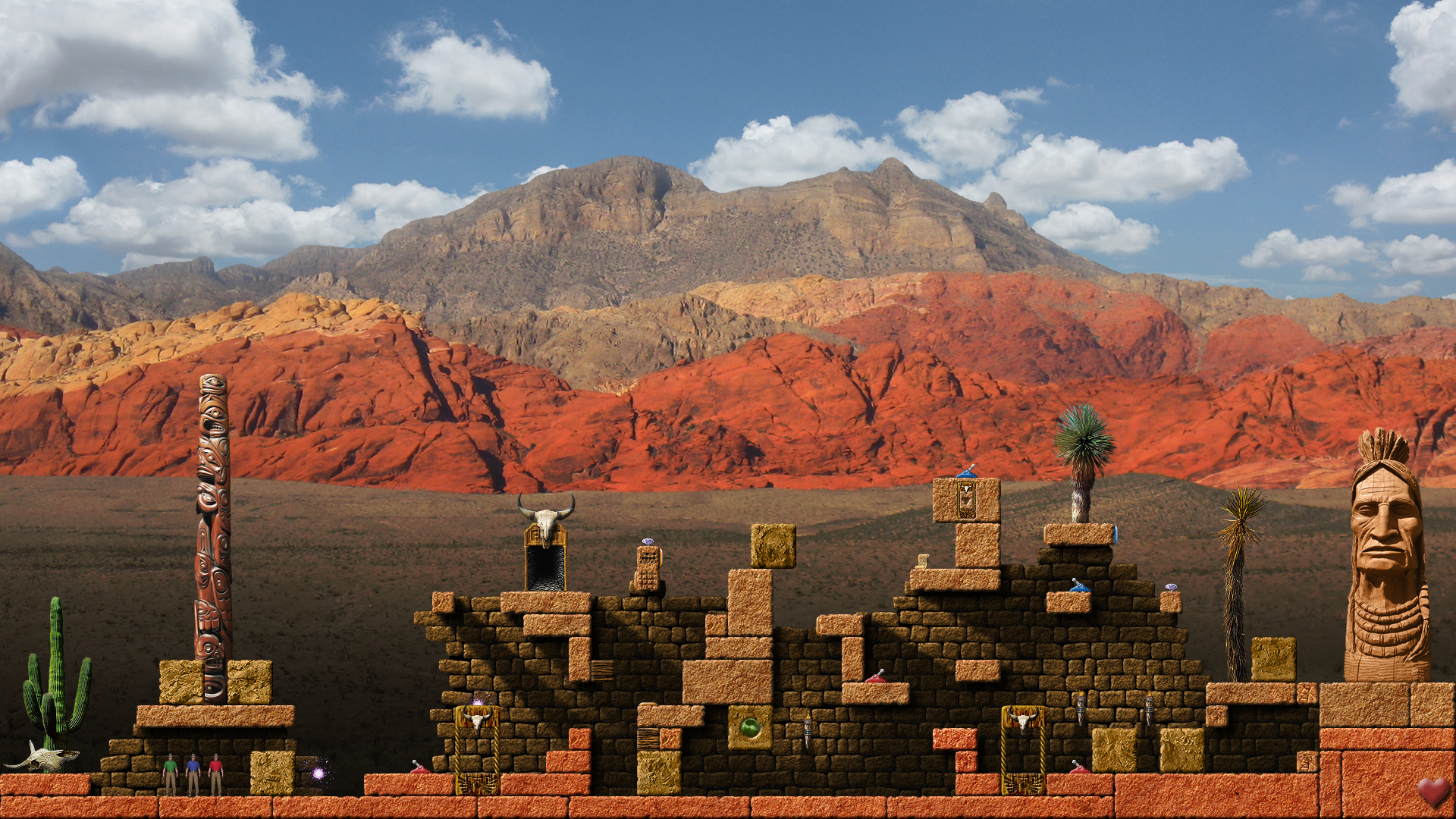
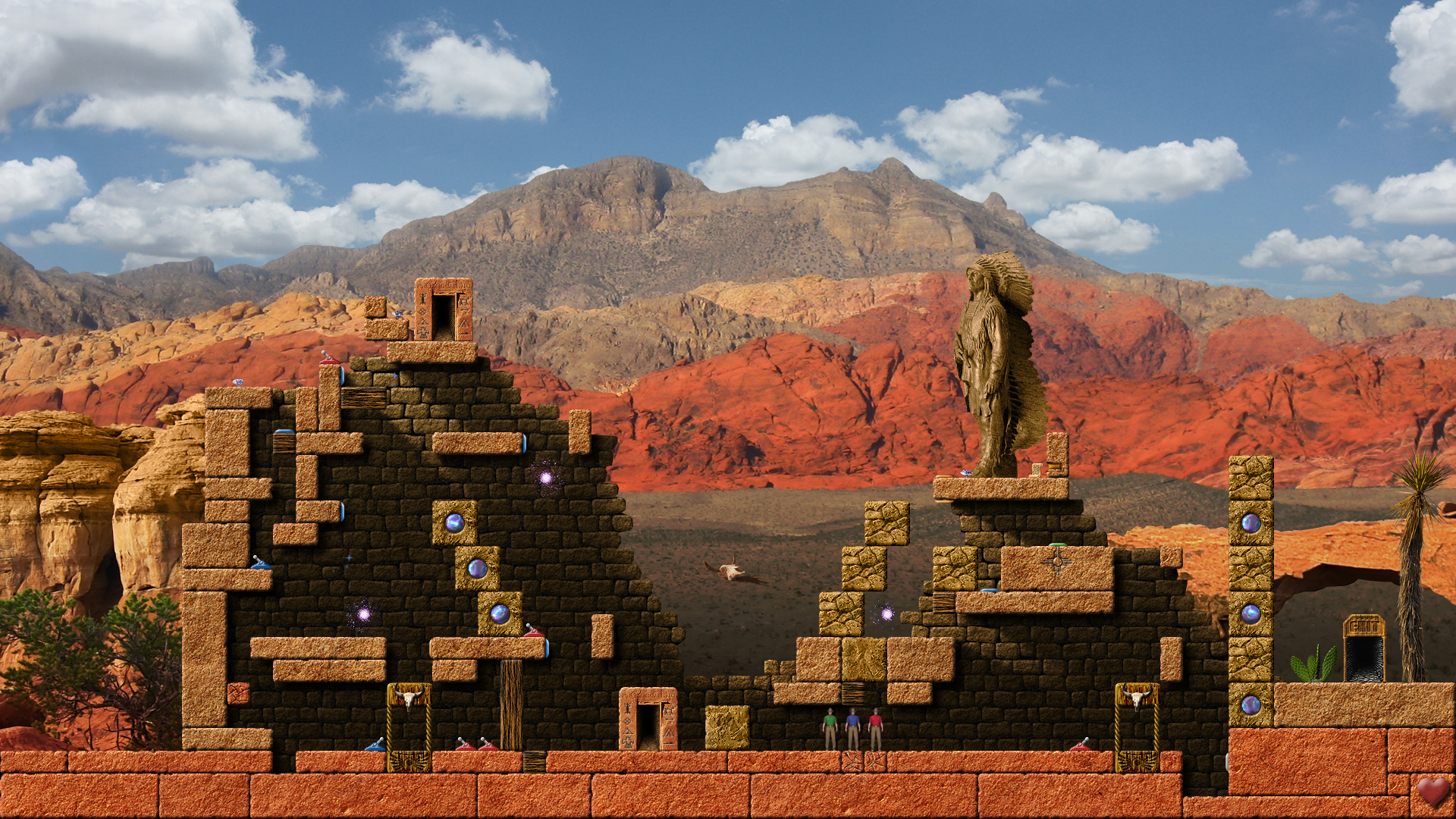
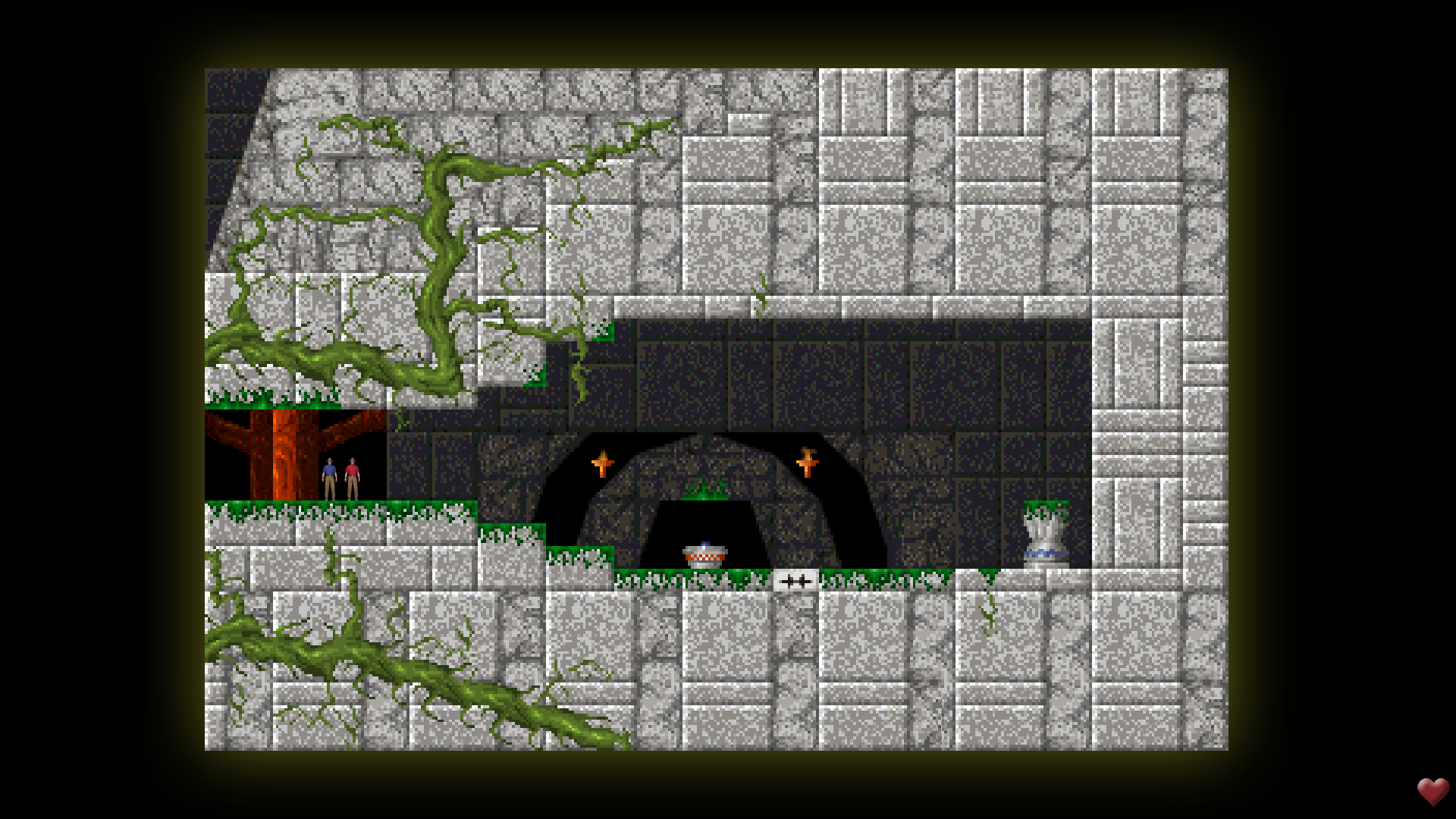
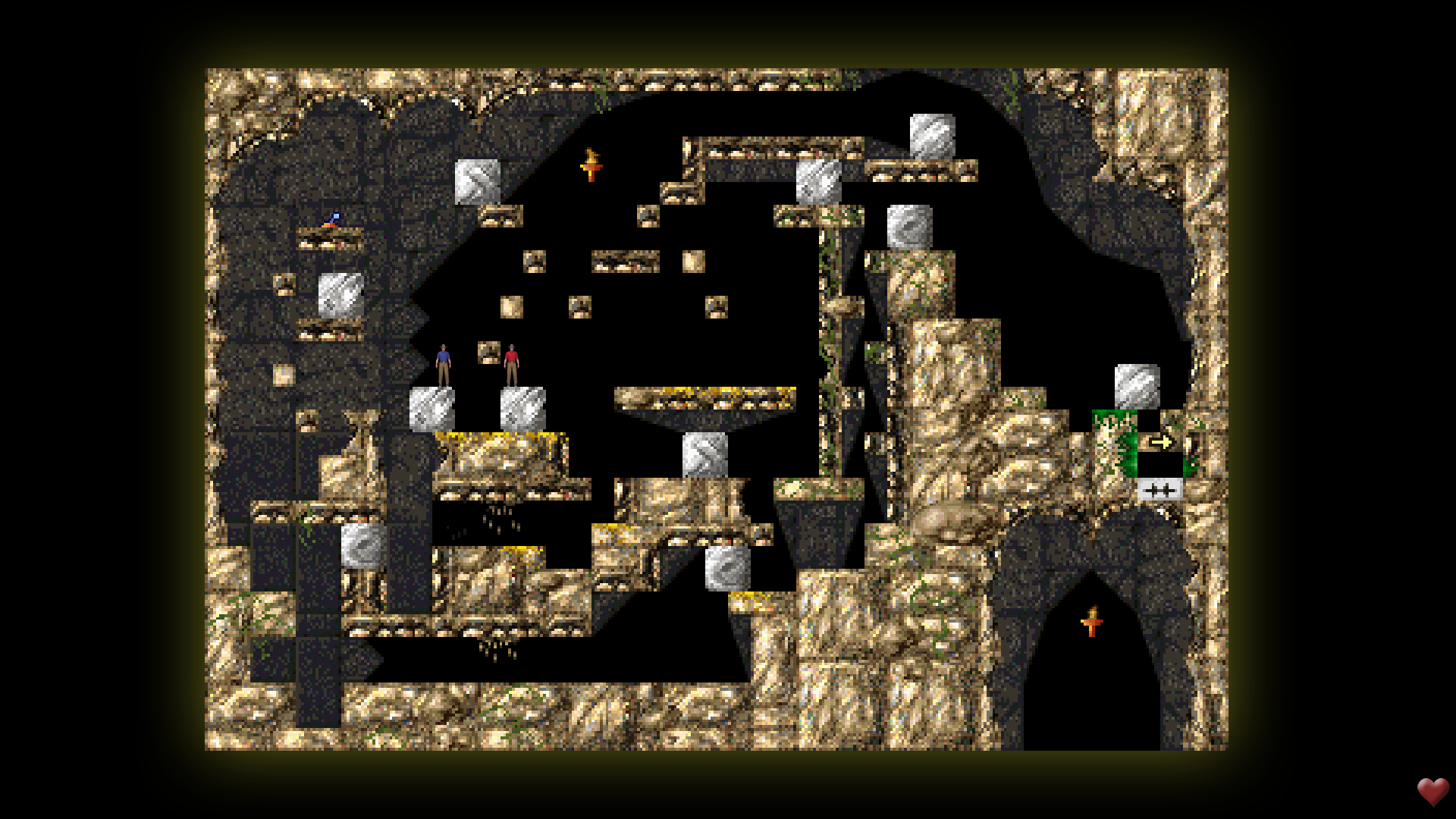
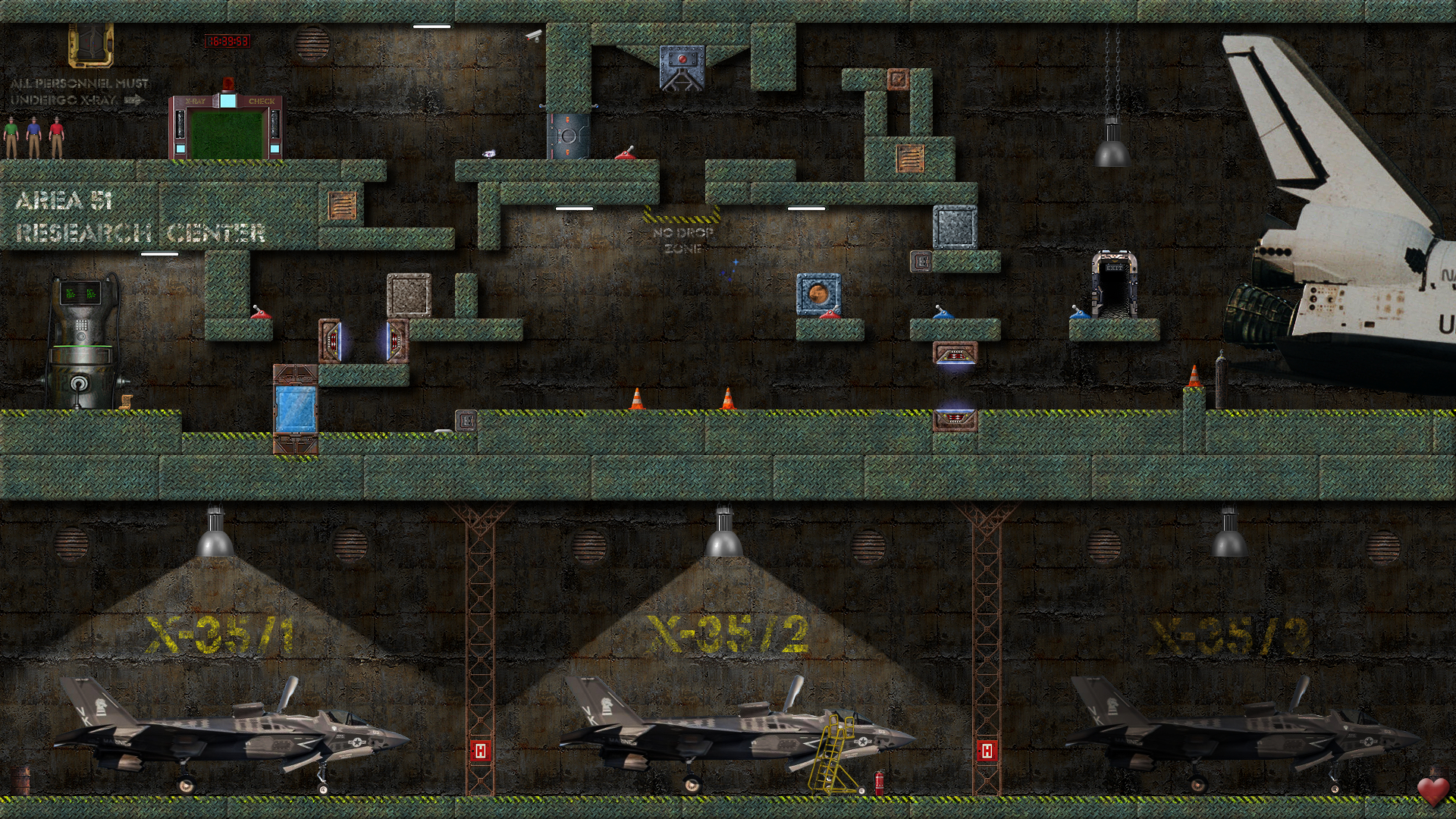
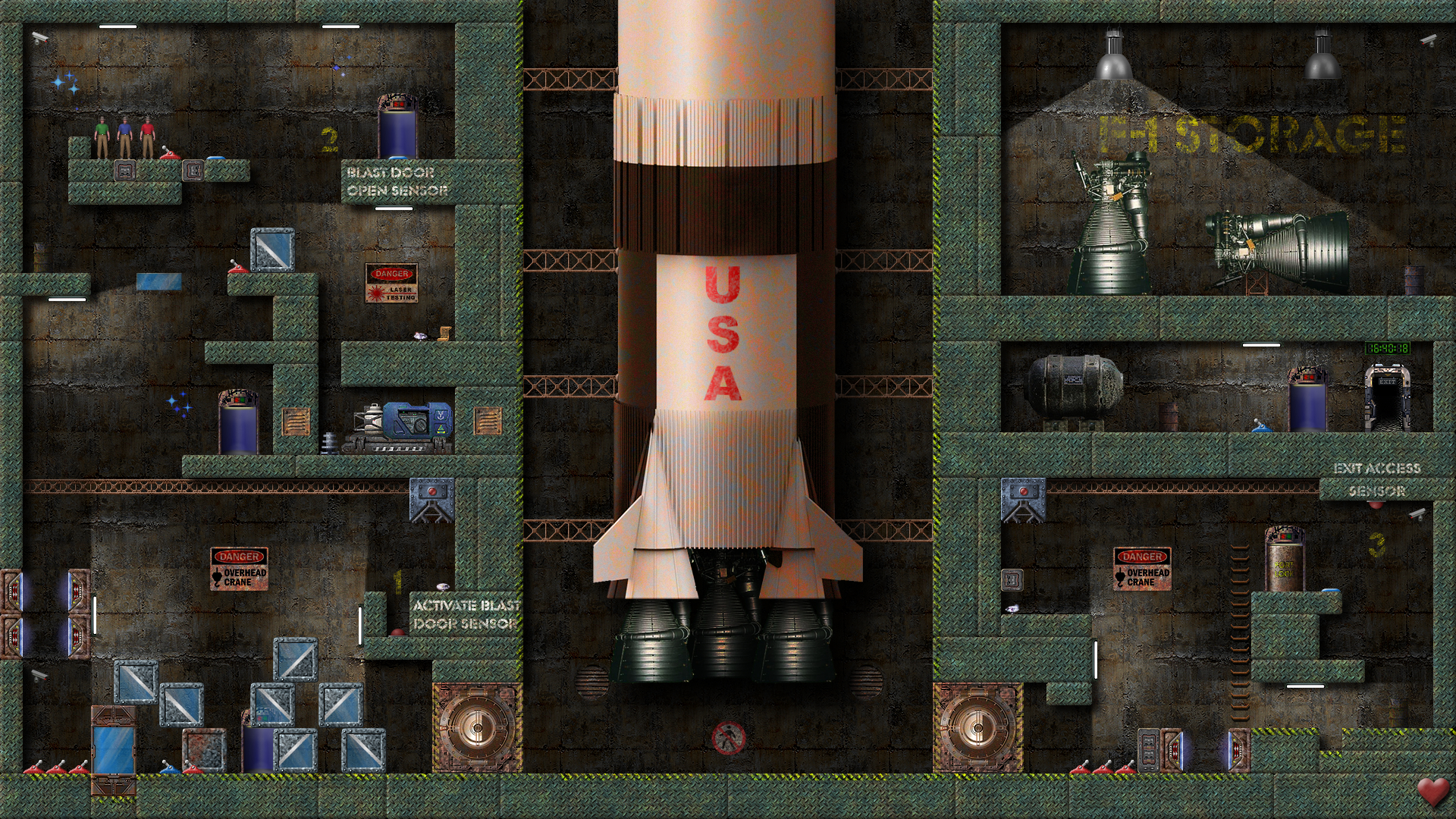
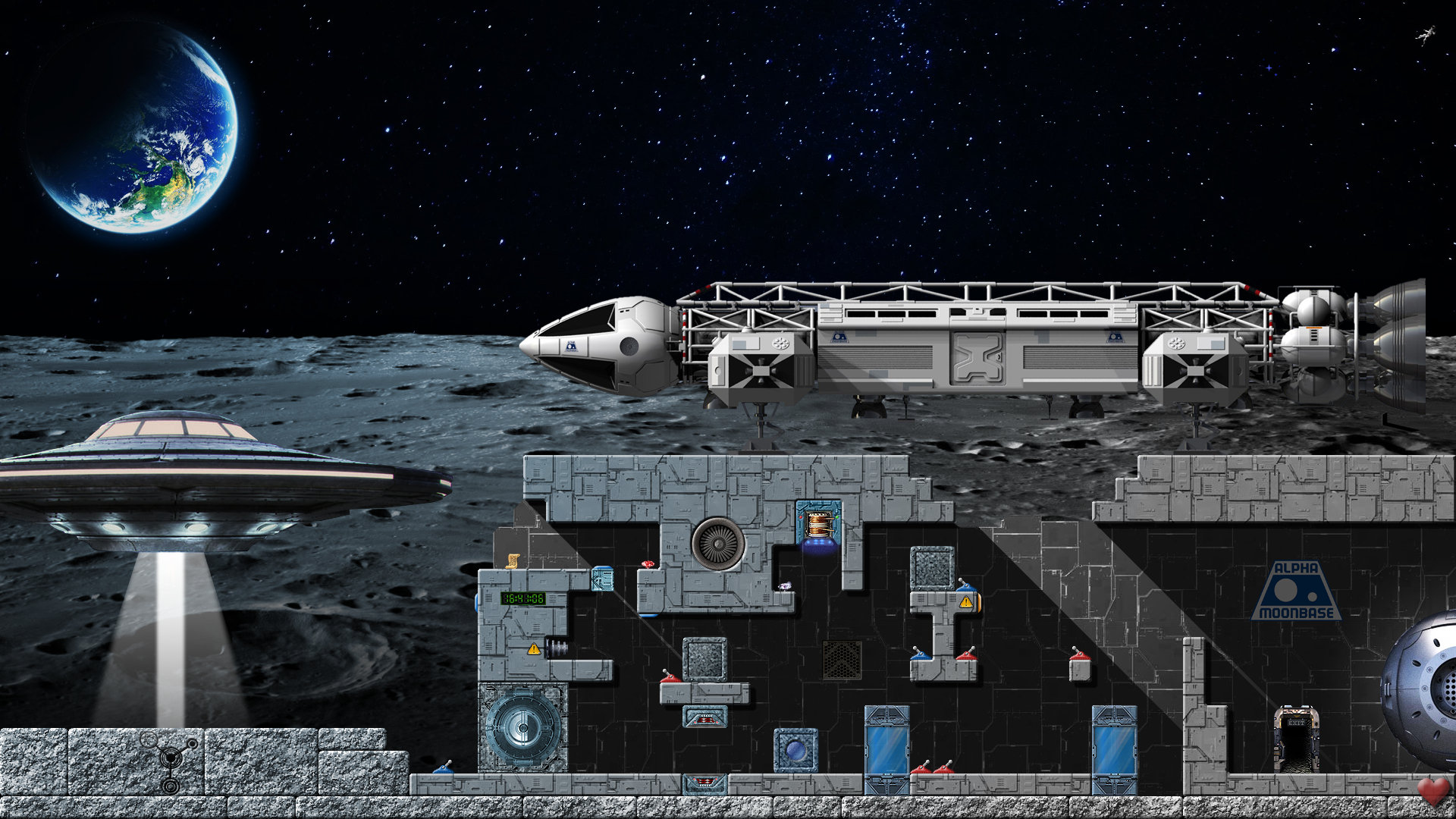
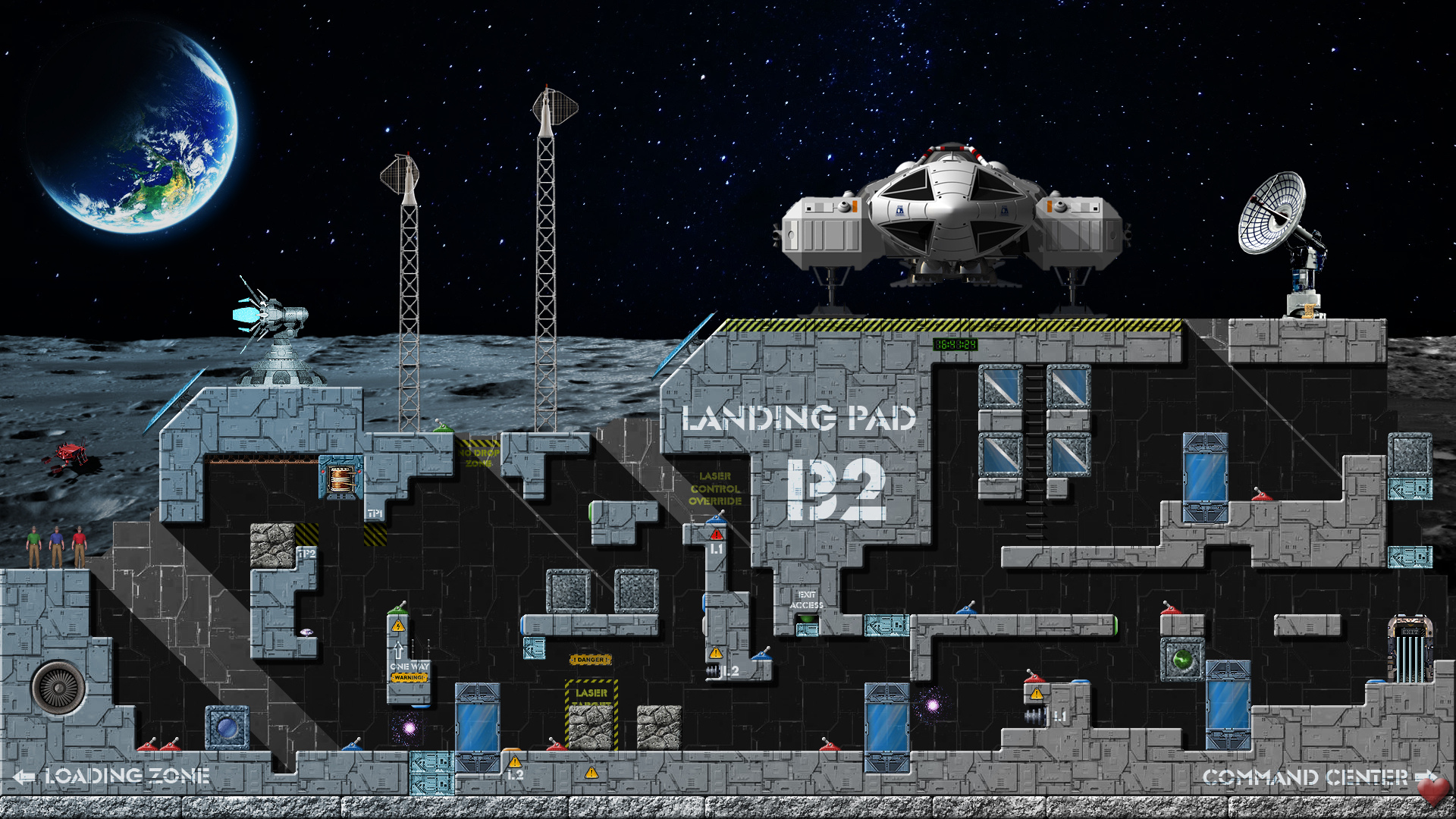
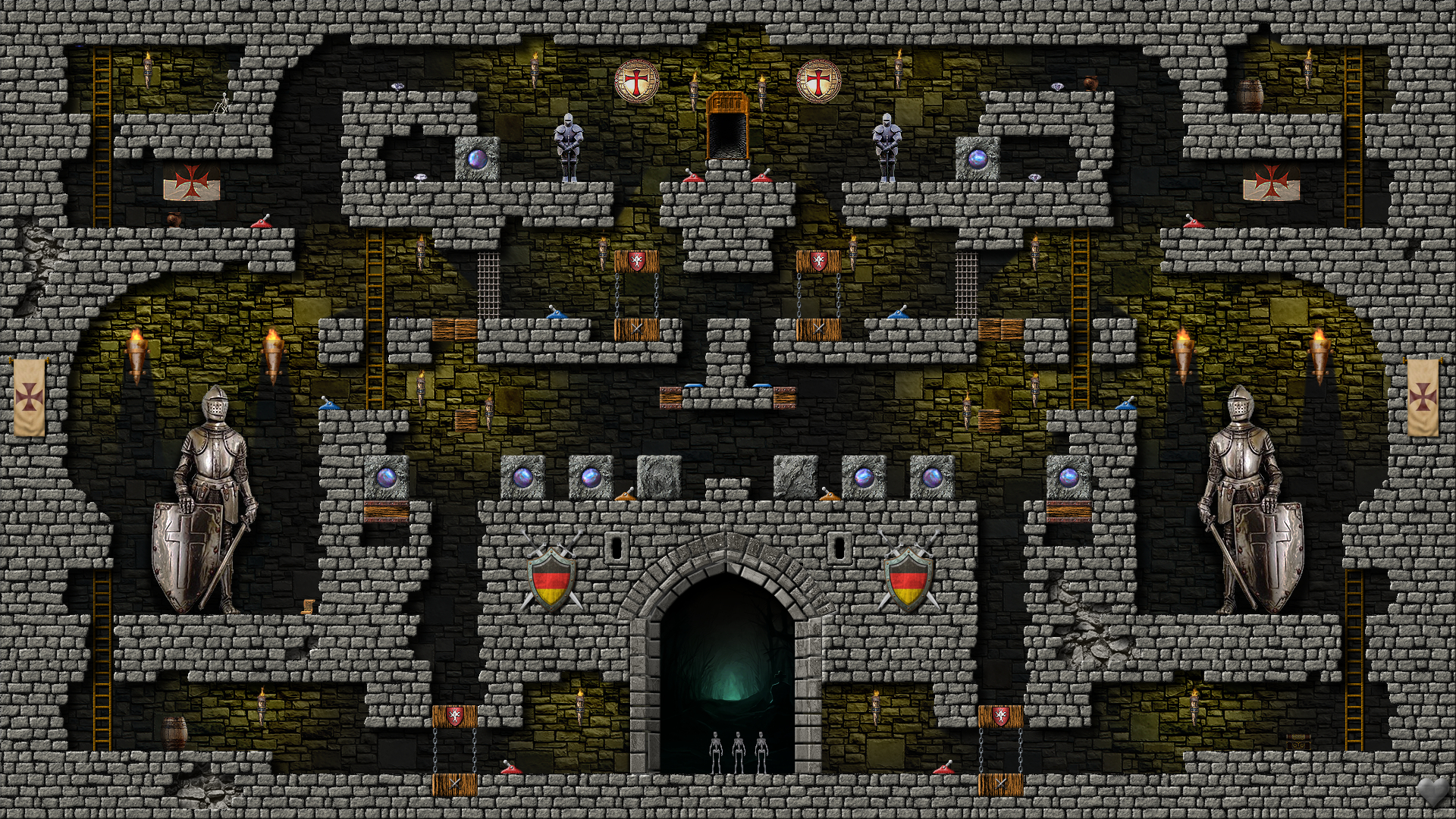
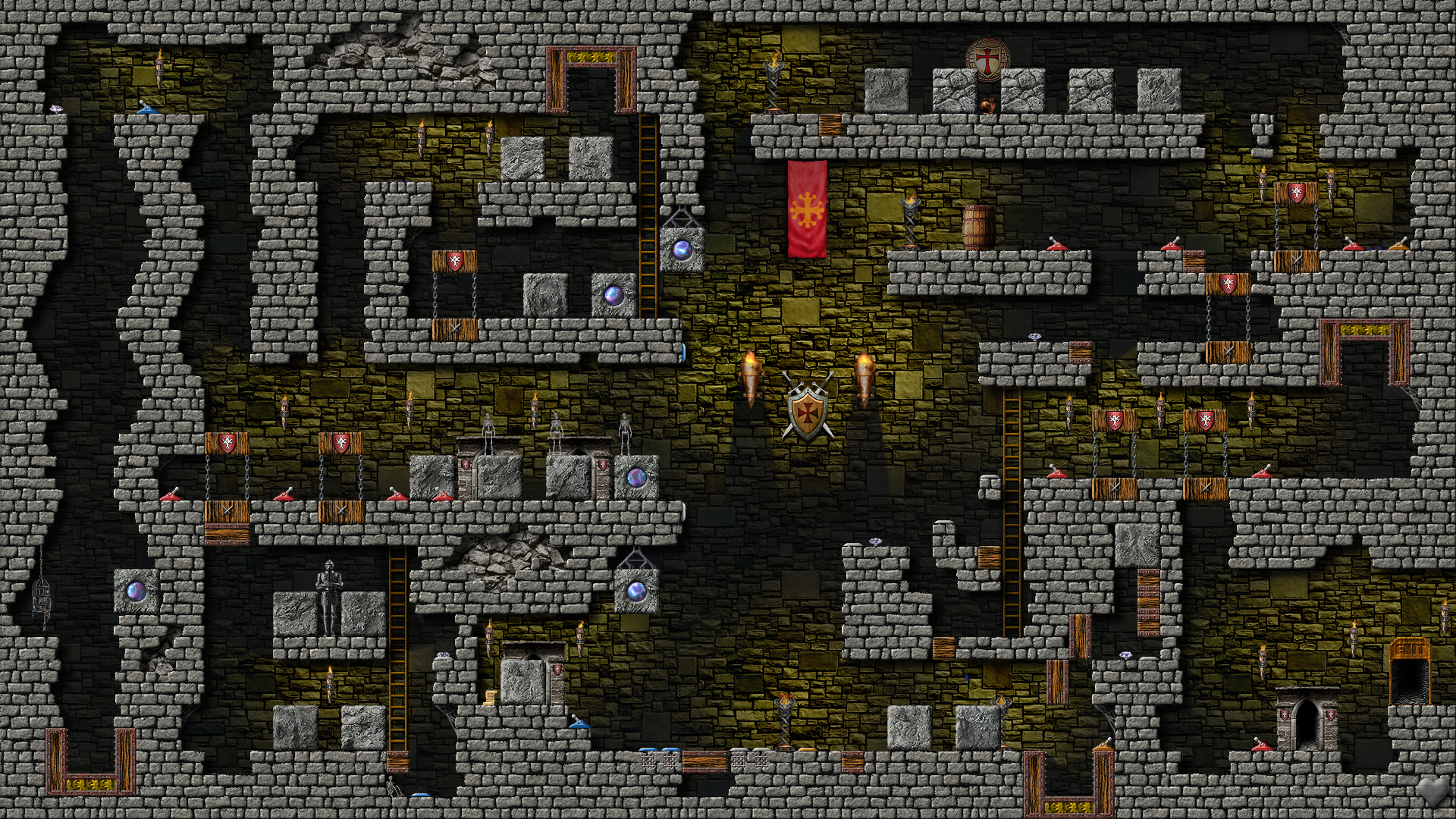
Screenshots from episodes (from each episode, which has 10 levels, there are two selected screenshots to show you): 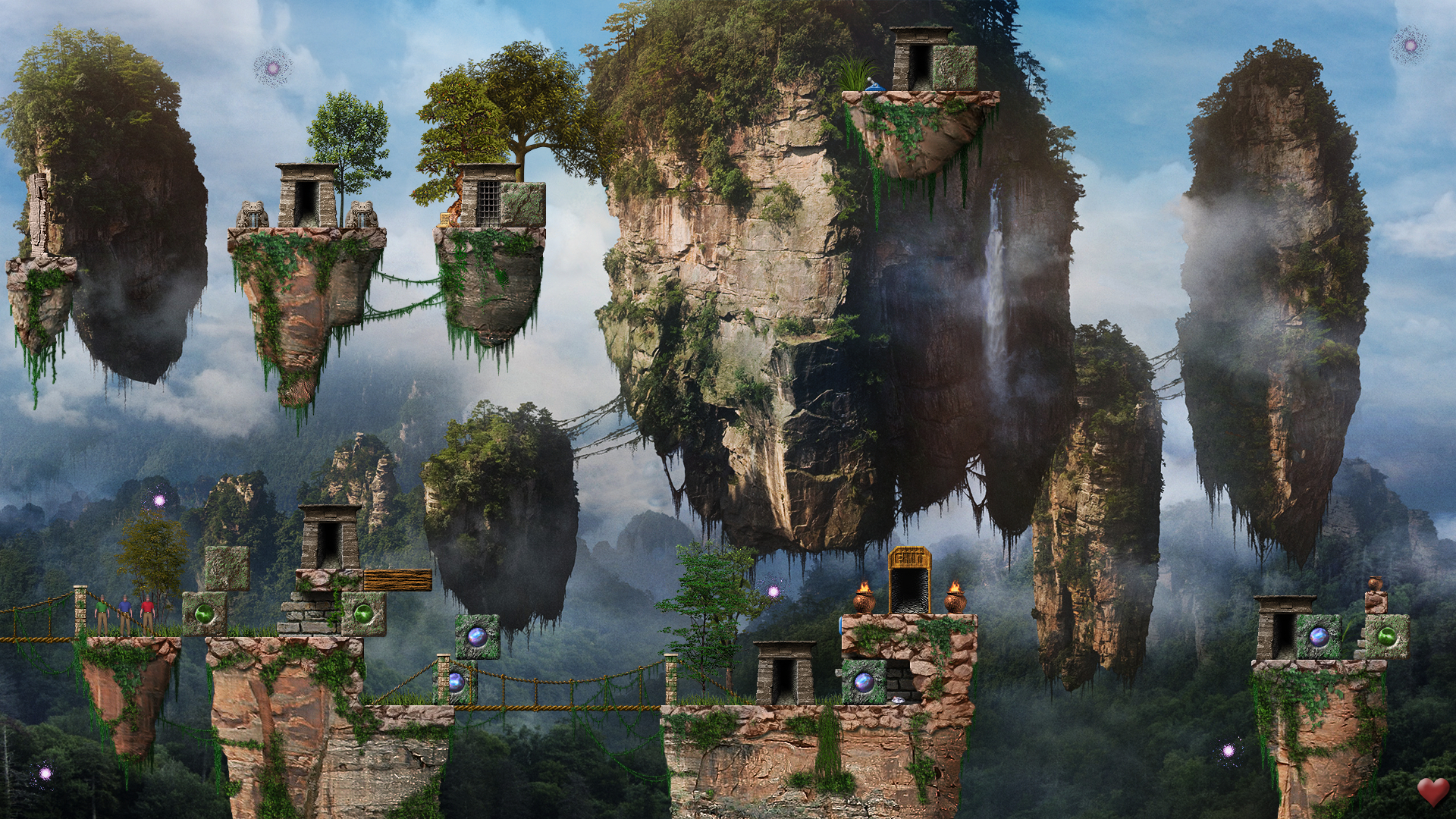
 
|